
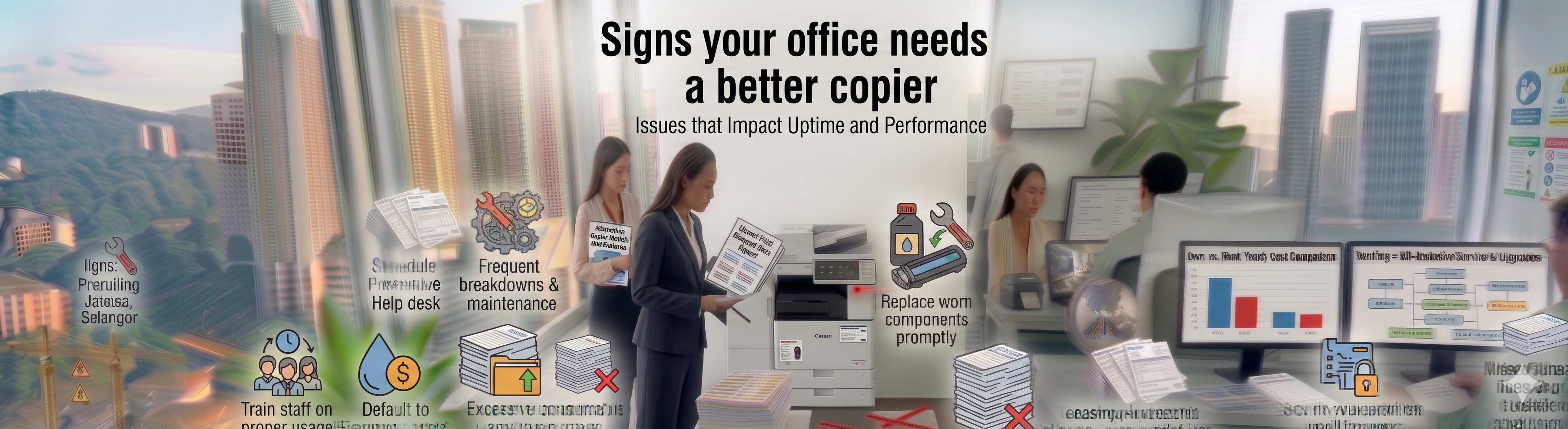
Is your staff fighting persistent paper jams, blurry lines, or slow print queues? Read the definite signs your office needs a better copier via Canon copier.
Maintaining a highly synchronized corporate workplace requires every shared network asset to operate with absolute mechanical precision and elite digital velocity. However, many office administrators and IT managers continue to tolerate aging, unmanaged document hardware long after its operational efficiency has collapsed. If your employees are losing valuable hours clearing paper debris, waiting for complex network queues to process, or dealing with distorted document scans, recognizing the structural Signs your office needs a better copier helps you stop administrative friction before it stalls your business completely. Continuing to patch up a failing machine creates a persistent drain on your internal technical resources and disrupts your daily billing loops.
What is the primary indicator that your print infrastructure is failing your business?
When the frequency of emergency hardware breakdowns begins to outpace your scheduled maintenance timelines, your business is receiving clear Signs your office needs a better copier. Relying on outdated hardware exposes your entire network to critical data vulnerabilities, high operational waste, and costly administrative delays.
By evaluating these system warnings with the specialized fleet technicians at Canoncopier, you can quickly clear the confusion surrounding your print management strategy. We help companies analyze the critical Signs your office needs a better copier by performing comprehensive, data-driven workflow audits on-site. We deal exclusively in Canon’s world-renowned imaging portfolio, allowing you to easily transition away from failure-prone, obsolete systems to advanced imageRUNNER ADVANCE DX platforms under an all-inclusive, low-cost monthly utility structure.
Diagnosing System Lags: When Outdated Processing RAM Stalls Daily Output
Busy corporate teams, legal practices, and logistics hubs depend on real-time data ingestion to maintain their daily momentum. When an office copy machine lacks the internal processing power to execute modern network commands, severe operational bottlenecks appear. These technical performance failures provide clear Signs your office needs a better copier:
Persistent Print Queue Freezes: When a multi-user department transmits large, data-heavy documents, the machine’s small processing buffer overflows, leading to long network drops and device freezes.
Blurry Scanning Sensor Lines: Worn-out scanning bulbs and degraded optical glass components introduce permanent dark streaks or blurry grid lines onto your digital PDFs, making professional document archiving impossible.
Frequent Paper Feeding Errors: Dried-out internal rubber rollers and worn fuser gears cause continuous paper alignment slips, leading to frequent paper jams that slow down your team.
Uncontrolled Color Supply Waste: Outdated machines lacking built-in security software allow untracked, high-cost color printing across general staff, inflating your monthly administrative overhead.
Fleet Degradation Diagnostic Framework
This analytical reference matrix maps common hardware failures to their underlying technical causes, providing clear Signs your office needs a better copier:
| Observable Office Equipment Failure | Underlying Technical Root Cause | The Managed Upgrade Solution via Canoncopier |
| Repeated fuser area paper jams. | Degraded thermal rollers; loss of constant induction heat profiles. | Replacement with commercial steel-frame units featuring rapid induction heating. |
| Dark streaks appearing across PDFs. | Scratched optical scanning glass; dust build-up inside internal lens assemblies. | Upgrading to advanced Canon lines featuring sealed optics and anti-stain glass panels. |
| Network connection dropouts. | Outdated local network cards lacking TLS 1.3 or modern WPA3 protocols. | Deployment of smart systems featuring embedded zero-trust firmware protection. |
| Slow multi-page booklet production. | Lack of dedicated memory cores; manual document stacking and sorting. | Implementation of high-speed systems equipped with Automatic Finishers & Staplers. |
FAQ
1. What represent the most immediate signs your office needs a better copier?
The most urgent Signs your office needs a better copier include frequent mechanical paper jams, distorted digital scans, processing delays during multi-page print runs, and escalating retail ink cartridge expenses.
2. How rapidly does your field engineering team respond to a system breakdown code?
We protect your operational continuity through a highly responsive support grid. Canoncopier guarantees an enhanced on-site technical response time strictly within 24 hours from the exact moment your service ticket is registered.
3. Are all mechanical spare parts and fuser assemblies covered for free under this rental plan?
Yes, 100% covered. Every moving mechanical part subject to natural wear and tear—including pickup rollers, fuser belts, drum modules, and internal gears—is replaced completely for free by our field engineers with zero hidden parts billing.
4. Is the original Canon toner cartridge supply completely free under our managed print contract?
Yes, absolutely. Under our proactive smart care monitoring framework for the leased fleet, high-yield genuine toner is supplied continuously based on your metered page outputs, removing individual out-of-pocket ink purchasing loops entirely.
5. Can our hybrid employees execute print tasks wirelessly from Apple MacBooks or corporate smartphones?
Yes, effortlessly. The digital enterprise multi-functional platforms we deploy feature advanced wireless network connectivity supporting Apple AirPrint, Android Mopria, and secure Wi-Fi Direct protocols for smooth, driverless mobile printing.
6. How does an advanced Canon copier protect our confidential business files?
Our machines feature Secure PIN/Badge Pull Printing and advanced hardware defenses. This ensures that document jobs are held securely in an encrypted network queue and only released when the authorized employee physically authenticates their unique profile at the machine’s touchscreen panel.
7. Will Canoncopier charge extra for network installation and print driver mapping upon delivery?
No hidden fees whatsoever. Your initial deployment includes secure transport via specialized flatbed vehicles, physical office placement, full local IP address network configuration, Scan-to-Email folder pathway mapping, and comprehensive staff tutorial training.
8. Can these commercial copy machines handle large format A3 spreadsheets without constant jamming?
Yes, they do. All floor-standing multi-functional devices in our corporate fleet are equipped with adjustable paper cassettes that seamlessly feed both standard A4 and large-format A3 paper without jamming.
9. If our office notices signs your office needs a better copier, can we trade in our current owned machine?
Yes, absolutely. We specialize in helping local companies modernize their print networks smoothly. We provide competitive fleet upgrade pathways to replace your obsolete owned hardware with an optimized, low-cost operating lease.
10. How do our monthly rental payments under the operational lease impact our annual corporate tax filing?
Because your agreement is recognized entirely as an operational expense (OpEx) rather than a depreciating capital asset, 100% of your annual leasing costs can be deducted directly against your gross business earnings during LHDN filings.
Find us
“When you opt for our specialized packages, you are getting access to multi-functional equipment that has won industry awards directly from Canon Malaysia for enterprise-level durability and crisp monochrome image processing.”
Our dedicated technical dispatch team provides rapid, 24-hours on-site maintenance to ensure your office print workflow runs smoothly. We proudly serve corporate offices, small businesses, and events across all major commercial hubs within Kuala Lumpur, Selangor, and Putrajaya.
While we specialize in deployment across the capital, we also offer the exact same premium all-in-one printer packages and rapid 24-hours on-site technical support across the surrounding areas. If your office operations are based outside the city center, you can easily explore our tailored solutions for Canon copier rental Cyberjaya or set up an efficient corporate print network with our dedicated service for Canon copier rental Bangi.