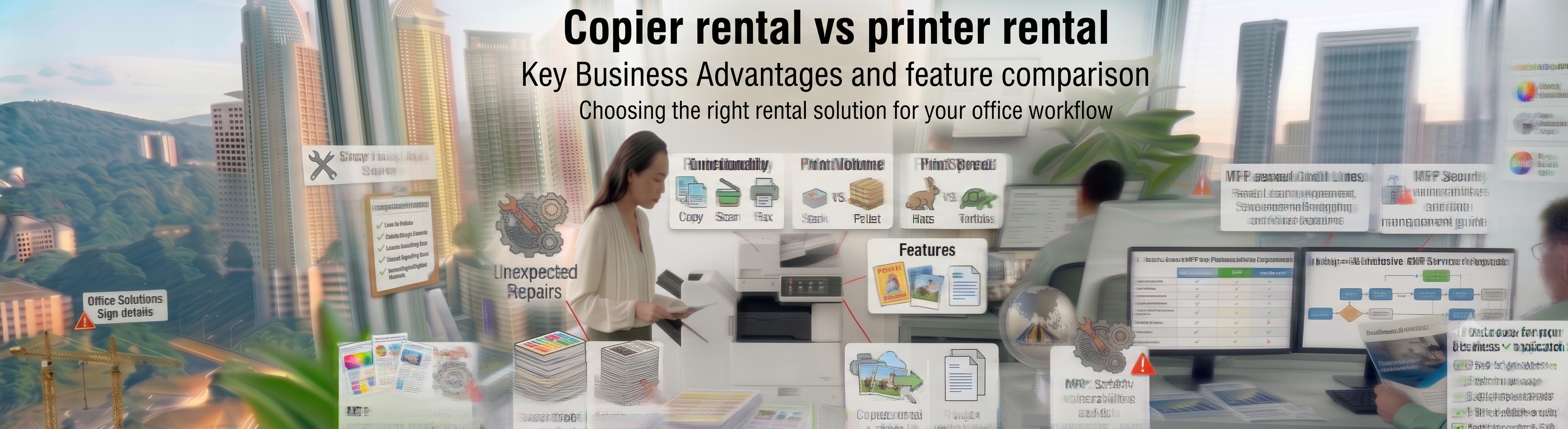
Navigating the structural differences between heavy-duty A3 multi-functional floor units and compact localized desktop systems. Analyze copier rental vs printer rental configurations at Canon copier.
Designing a highly synchronized corporate office print network requires a clear, data-driven understanding of component durability, processing memory thresholds, and long-term operating costs. When local business leads, IT administrators, and chief procurement officers evaluate their document hardware options, they are hit with an essential physical infrastructure debate: exploring a copier rental vs printer rental framework. While these terms are frequently used interchangeably across casual office environments, they represent completely different mechanical duty cycles, networking capabilities, and back-office administrative velocities. Choosing the wrong mechanism can either saddle your shared workgroups with constant paper jams and long print queues, or tie up excess funding in machinery your team rarely uses.
[Printer Rental Framework] ──► Compact A4 Desktop Footprint • Moderate Individual Output • Low Upfront Costs
[Copier Rental Framework] ───► Floor-Standing A3 Powerhouse • Heavy Multi-User Volume • Automated Sheet Finishing
By establishing an objective copier rental vs printer rental diagnostic review with the workflow experts at Canoncopier, you gain complete clarity over your long-term print management strategy. A standard desktop printer hire is highly optimized for light, localized department nodes—such as a front reception desk, a private executive suite, or a small satellite clinic—where document production starts almost entirely digitally and requires basic A4 output. Conversely, an enterprise-tier heavy-duty multi-functional printer lease functions as a centralized communication hub designed to conquer heavy workloads, bulk document sorting, high-speed single-pass scanning runs, and massive cross-departmental user traffic without triggering system errors.
Mechanical Volumetric Engineering: Calculating the Workgroup Saturation Threshold
To maximize operational efficiency when exploring the copier rental vs printer rental decision matrix, systems architects must look past physical size to measure real data processing limits. IT directors can calculate the Workgroup Mechanical Saturation Point of a shared hardware nod.
When the Saturation Point systematically breaches a baseline value of 1.0, compact desktop units suffer from extreme paper feed friction, overheated fuser assemblies, and constant component wear. This threshold provides a clear structural baseline for copier rental vs printer rental selections, proving that heavy multi-user environments with a high Saturation Index require heavily armored, floor-standing Canon multi-functional platforms built with high-duty steel chassis.
Copier Rental vs Printer Rental Infrastructure Capability Matrix
This reference blueprint outlines the primary mechanical and operational trade-offs to consider when choosing your workplace technology configuration:
| Operational Performance Parameter | Compact Desktop Printer Rental | Floor-Standing Copier Rental |
| Media Layout Profiles | Strictly limits output to standard A4 sheets and small envelopes. | Multi-format cassettes processing standard A4 and large format A3 layouts. |
| Paper Feeding Capacity | Low; holding cassettes typically max out standard at 250 to 500 sheets. | High; features multi-deck paper decks carrying 1,100 to 3,500+ sheets smoothly. |
| Scanning Archival Velocity | Slow; uses basic flatbed glass or light dual-sided feeding rollers. | Ultra-fast; single-pass DADF capture running up to 270+ images per minute. |
| Automated Document Finishing | None; forces staff into manual page collating and hand-stapling loops. | High; features automated multi-position corner stapling and booklet sorting. |
| Data Protection & Compliance | Basic security layers; relies heavily on manual internal network setups. | Elite; features McAfee Embedded Control firmware and hardware TPM 2.0 encryption. |
| Variable Cost Optimization | Prone to higher costs-per-page for full color presentations. | Delivers the lowest possible per-page click charges for massive multi-user fleets. |
FAQ
1. What is the main structural difference when comparing copier rental vs printer rental plans?
The core difference when comparing a copier rental vs printer rental framework centers on mechanical capacity and document finishing capabilities. Printer rentals provide small, desktop-sized A4 units for lighter department footprints, whereas copier rentals deliver floor-standing, multi-functional A3 systems engineered to automate heavy workloads and handle large multi-user networks.
2. How rapidly does Canoncopier deploy field technicians if a system encounters an error?
We protect your operational continuity through an active support grid. Canoncopier guarantees an enhanced on-site technical response time strictly within 24 hours from the exact moment your service ticket is registered via our automated dispatch desk.
3. Are pickup rollers, transfer belts, and fuser assemblies covered for free across both options?
Yes, 100% covered. Every moving mechanical component subject to natural operational wear and tear—including fuser rollers, drum modules, pickup wheels, and internal gears—is replaced completely for free by our field engineers across all deployment models.
4. Is the original Canon toner cartridge supply completely free under our contract?
Yes, absolutely. Under our proactive smart care monitoring framework for the leased fleet, genuine high-yield Canon toner is supplied continuously based on your metered page outputs, removing individual out-of-pocket ink purchasing loops entirely from your office management.
5. Which option is superior for a legal firm processing multi-page court bundles and affidavits?
An enterprise-tier copier rental is the ideal match for professional legal chambers. These systems feature high-speed processing memory, robust fuser paths, and automatic stapling accessories that speed up the collation of thick litigation bundles.
6. Can our hybrid employees execute print tasks wirelessly from Apple MacBooks or corporate smartphones?
Yes, effortlessly. The digital enterprise multi-functional platforms we deploy feature advanced wireless network connectivity supporting Apple AirPrint, Android Mopria, and secure Wi-Fi Direct protocols for smooth, driverless mobile printing.
7. Will Canoncopier charge extra for network installation and print driver mapping upon delivery?
No hidden fees whatsoever. Your initial rental onboarding covers heavy-duty transport, physical office placement, local IP address network mapping, Scan-to-Email folder pathway creation, and full staff tutorials at zero additional cost.
8. Can these commercial copy machines handle large format A3 spreadsheets without constant jamming?
Yes, they do. All floor-standing multi-functional devices in our corporate fleet are equipped with adjustable paper cassettes that seamlessly feed both standard A4 and large-format A3 paper without jamming.
9. If our print needs scale up, can we transition from a desktop printer to a floor-standing copier mid-contract?
Yes, definitely. Canoncopier provides complete operational elasticity. If your growing transaction volume begins to overwhelm a compact desktop unit, you can smoothly adjust your contract configuration to a higher-capacity floor model mid-term without penalty.
10. How do our monthly rental payments under both options lower our annual corporate tax liability?
Because both copier rental vs printer rental options are recognized entirely as Operating Expenses (OpEx) rather than depreciating asset purchases (CapEx), 100% of your leasing costs can be deducted directly against your gross revenue during LHDN filings.
Find us
“When you opt for our specialized packages, you are getting access to multi-functional equipment that has won industry awards directly from Canon Malaysia for enterprise-level durability and crisp monochrome image processing.”
Our dedicated technical dispatch team provides rapid, 24-hours on-site maintenance to ensure your office print workflow runs smoothly. We proudly serve corporate offices, small businesses, and events across all major commercial hubs within Kuala Lumpur, Selangor, and Putrajaya.
While we specialize in deployment across the capital, we also offer the exact same premium all-in-one printer packages and rapid 24-hours on-site technical support across the surrounding areas. If your office operations are based outside the city center, you can easily explore our tailored solutions for Canon copier rental Selangor or set up an efficient corporate print network with our dedicated service for Canon copier rental.