Navigating the technical jump from legacy analog machines to smart digital centers? Compare multifunctional printer vs photocopier features at Canon copier.
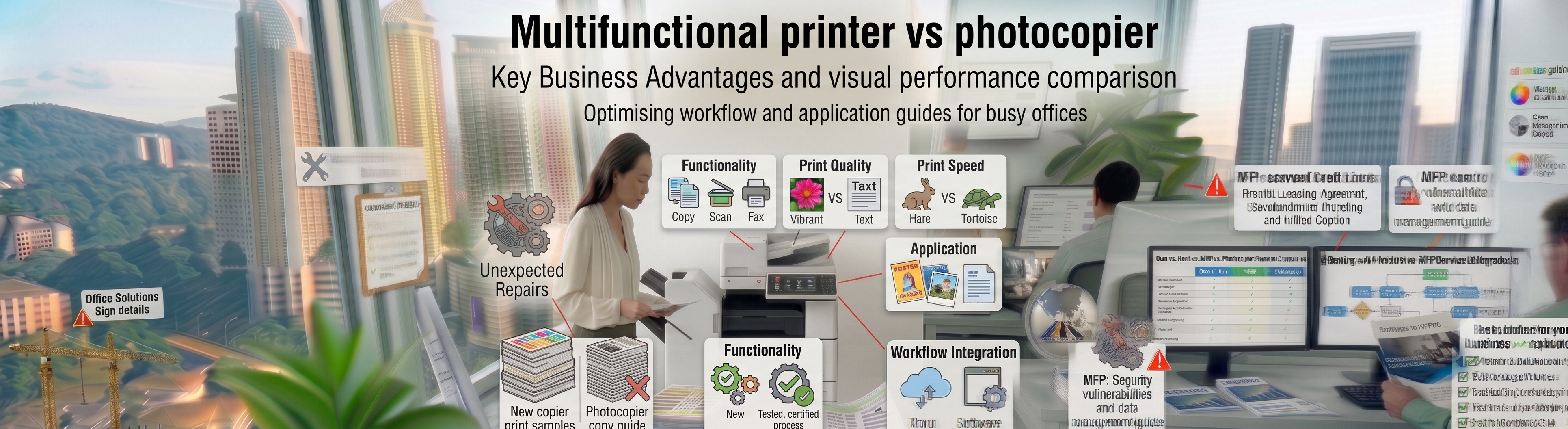
Evaluating your company’s physical infrastructure capabilities requires understanding the evolution of workplace digitization, data protection, and cross-platform information flows. When local business leads and systems architects look to upgrade their offices, they frequently review a basic technology comparison: evaluating a multifunctional printer vs photocopier setup. While legacy single-function standalone copy machinery focused entirely on creating physical sheet duplicates on an isolated glass panel, modern corporate spaces require endpoints that function as advanced computing centers on the network.
[Legacy Standalone Photocopier] ──► Isolated Analog Duplication • High Paper Waste • Zero Cloud Ingestion
[Modern Multifunctional Printer] ─► Cloud Ingestion Hub • Searchable PDF Automation • Total Access Governance
Transitioning your workplace to a managed operating lease with Canoncopier upgrades your team past the limitations of legacy duplication into the high-speed environment of the modern multifunctional printer (MFP). We focus exclusively on Canon’s enterprise ecosystem, replacing slow, analog workflows with intelligent, app-ready devices. These smart endpoints integrate directly with your central corporate directories, allowing your teams to execute secure wireless printing, fast digital scanning, and cloud-native archiving under a single, highly scannable monthly operating framework.
Document Ingestion Engineering: Turning Physical Sheets into Secure Cloud Assets
Modern software development groups, financial practices, and logistics hubs view physical paperwork as a dynamic digital asset. Traditional, isolated copiers lock files away from your secure databases. Our premium multifunctional printer vs photocopier comparison demonstrates how modern MFPs eliminate this bottleneck through advanced internal software routing components.
Through our specialized deployment of uniFLOW Online serverless cloud management, your workforce gains access to automated archival pathways. Employees can walk up to the interactive 10.1-inch color touchscreen interface, scan a stack of client records or multi-page vendor contracts via the high-speed Single-Pass Document Feeder (DADF), and execute smart indexing tasks instantly. The intelligent processor utilizes Optical Character Recognition (OCR) to read text profiles, converts files into Searchable PDFs, and funnels them straight into enterprise spaces like Google Workspace, Microsoft OneDrive, or Dropbox without needing a computer intermediary.
Technology & Ecosystem Capability Matrix
This reference matrix assists chief technology officers and office managers in comparing the structural differences within the multifunctional printer vs photocopier framework:
| System Workflow Capabilities | Legacy Standalone Photocopier | Modern Multifunctional Printer (MFP) |
| Core Operational Focus | Simple analog sheet duplication. | Smart cloud scanning, secure network printing, faxing, and digital archiving. |
| Network & Mobile Connectivity | None; operates as an isolated standalone unit. | Advanced; features native Apple AirPrint, Mopria, and secure Wi-Fi Direct. |
| Cloud Content Integration | Stalls workflows; files cannot be digitized directly. | Frictionless; sends Searchable PDFs straight to OneDrive, Google Drive, and cloud apps. |
| Built-In System Security | Minimal; files are often left exposed on output trays. | Fortified; features McAfee Embedded Control, TPM 2.0, and PIN-secured pull printing. |
| Workflow Customization | Fixed manufacturer settings. | High; features interactive touchscreens running smart corporate workflow apps. |
FAQ
1. What is the main structural difference when comparing a multifunctional printer vs photocopier?
The core difference when comparing a multifunctional printer vs photocopier template centers on network intelligence. Legacy photocopiers focus entirely on making physical copies, while a modern multifunctional printer functions as a cloud-connected digital ingestion hub that prints, scans, faxes, and archives data securely.
2. How rapidly does Canoncopier deploy field technicians if an MFP experiences a code error?
We protect your operational continuity through an active support grid. Canoncopier guarantees an enhanced on-site technical response time strictly within 24 hours from the exact moment your service ticket is registered via our automated dispatch desk.
3. Are all mechanical spare parts, rollers, and fuser units covered under this rental contract?
Yes, 100% covered. Every moving mechanical part subject to natural operational wear and tear—including fuser rollers, drum modules, pickup rollers, and internal gears—is replaced completely for free by our field engineers across all deployment locations.
4. Is the original Canon toner cartridge supply completely free under our managed print contract?
Yes, absolutely. Under our proactive smart care monitoring framework for the leased fleet, genuine high-yield Canon toner is supplied continuously based on your metered page outputs, removing individual out-of-pocket ink purchasing loops entirely from your office management.
5. How does a modern multifunctional printer help our business reduce paper waste?
By utilizing Secure PIN Pull Printing Release, modern MFPs hold jobs in an encrypted queue until the user physically logs in at the touchscreen. This stops abandoned document sheets from piling up on the output tray, cutting down paper waste significantly.
6. Can our hybrid employees execute print tasks wirelessly from Apple MacBooks or corporate smartphones?
Yes, effortlessly. The digital enterprise multi-functional platforms we deploy feature advanced wireless network connectivity supporting Apple AirPrint, Android Mopria, and secure Wi-Fi Direct protocols for smooth, driverless mobile printing.
7. Will Canoncopier charge extra for network installation and setting up scan paths?
No hidden fees whatsoever. Your lease agreement covers heavy-duty transport via specialized fleet vehicles, physical office placement, full IP address network configuration, Scan-to-Email folder pathway mapping, and comprehensive staff tutorial training.
8. Can these commercial copy machines handle large format A3 sheets without constant jamming?
Yes, they do. All floor-standing multi-functional devices in our corporate fleet are equipped with adjustable paper cassettes that seamlessly feed both standard A4 and large-format A3 paper without jamming.
9. How does the built-in McAfee software protect our multifunctional printers from cyber risks?
We activate McAfee Embedded Control Security Technologies as a standard configuration feature on our advanced fleet units. This security protocol blocks unauthorized malware execution and preserves the absolute integrity of your digital data paths, keeping your operational framework safe from zero-day endpoint vulnerabilities.
10. How do our monthly rental payments under the MFP contract lower our annual corporate tax liability?
Because your agreement is recognized entirely as an operational expense (OpEx) rather than a depreciating capital asset, 100% of your annual leasing costs can be deducted directly against your gross business earnings during LHDN filings.
Find us
“When you opt for our specialized packages, you are getting access to multi-functional equipment that has won industry awards directly from Canon Malaysia for enterprise-level durability and crisp monochrome image processing.”
Choosing the right office hardware configuration can significantly impact your monthly overhead. Before committing to a machine, it is highly recommended to read our comprehensive comparison guide on Copier rental vs printer rental to discover which option best suits your actual monthly print volume. Additionally, keeping your operational budget safe is easy once you understand the simple maintenance habits outlined in our guide on How to avoid unexpected copier repair costs.